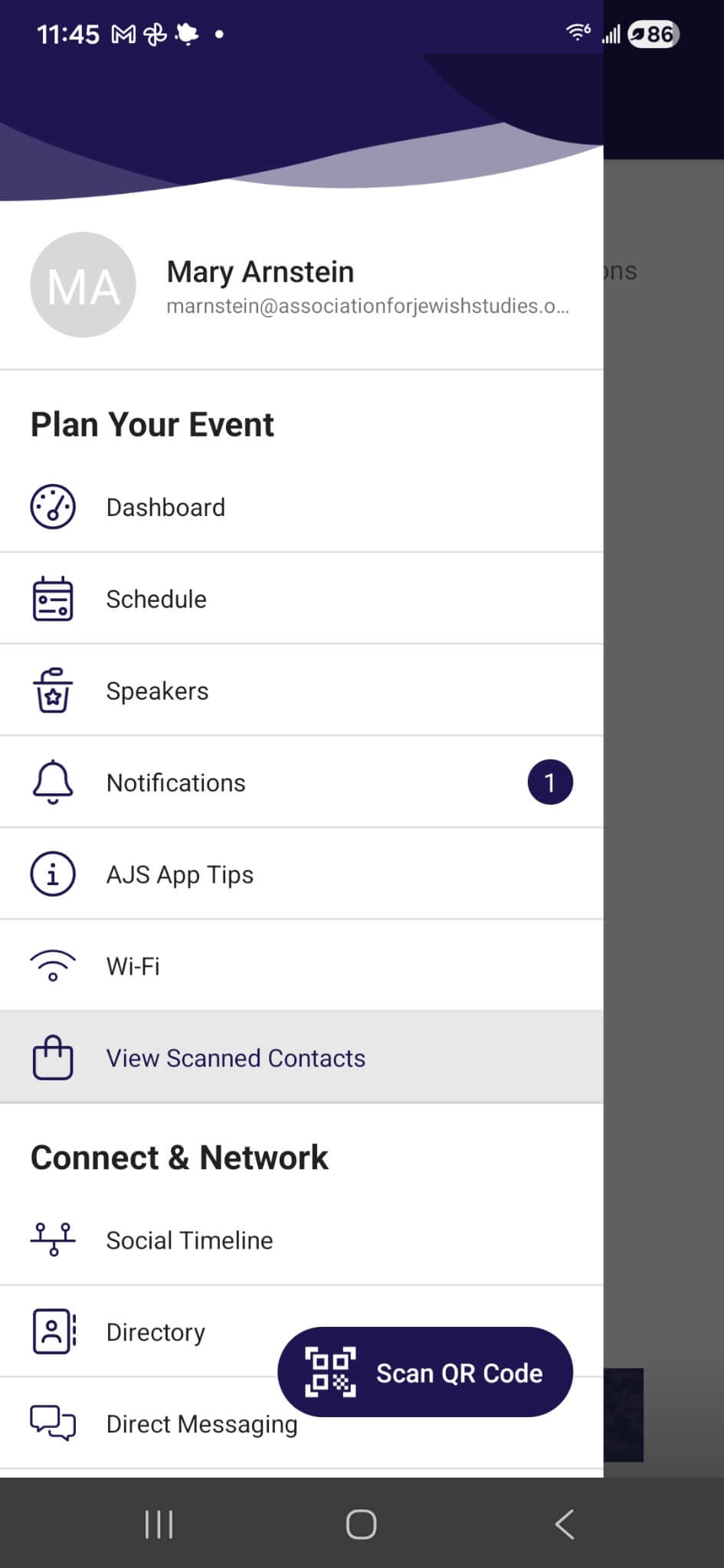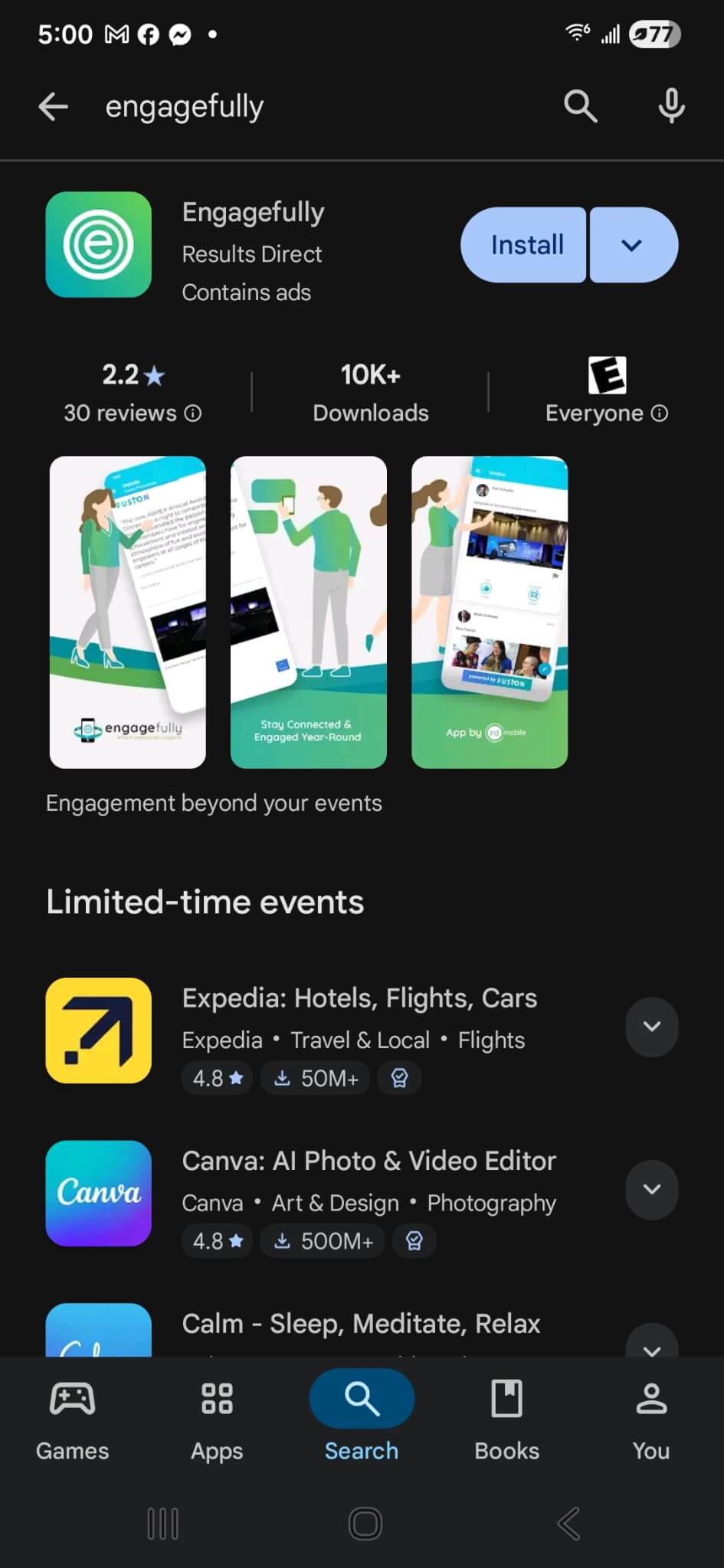
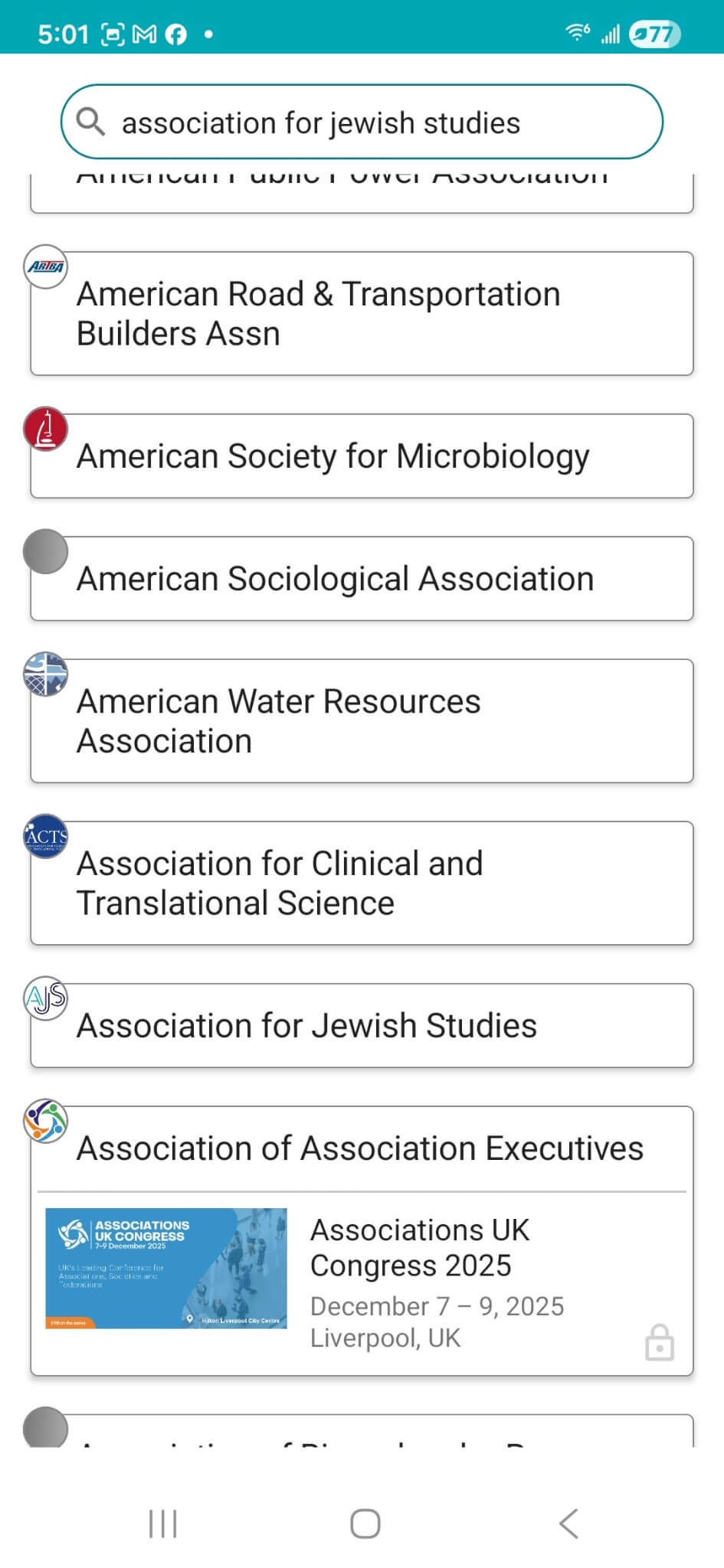
Open the app and search for “Association for Jewish Studies” or “AJS”
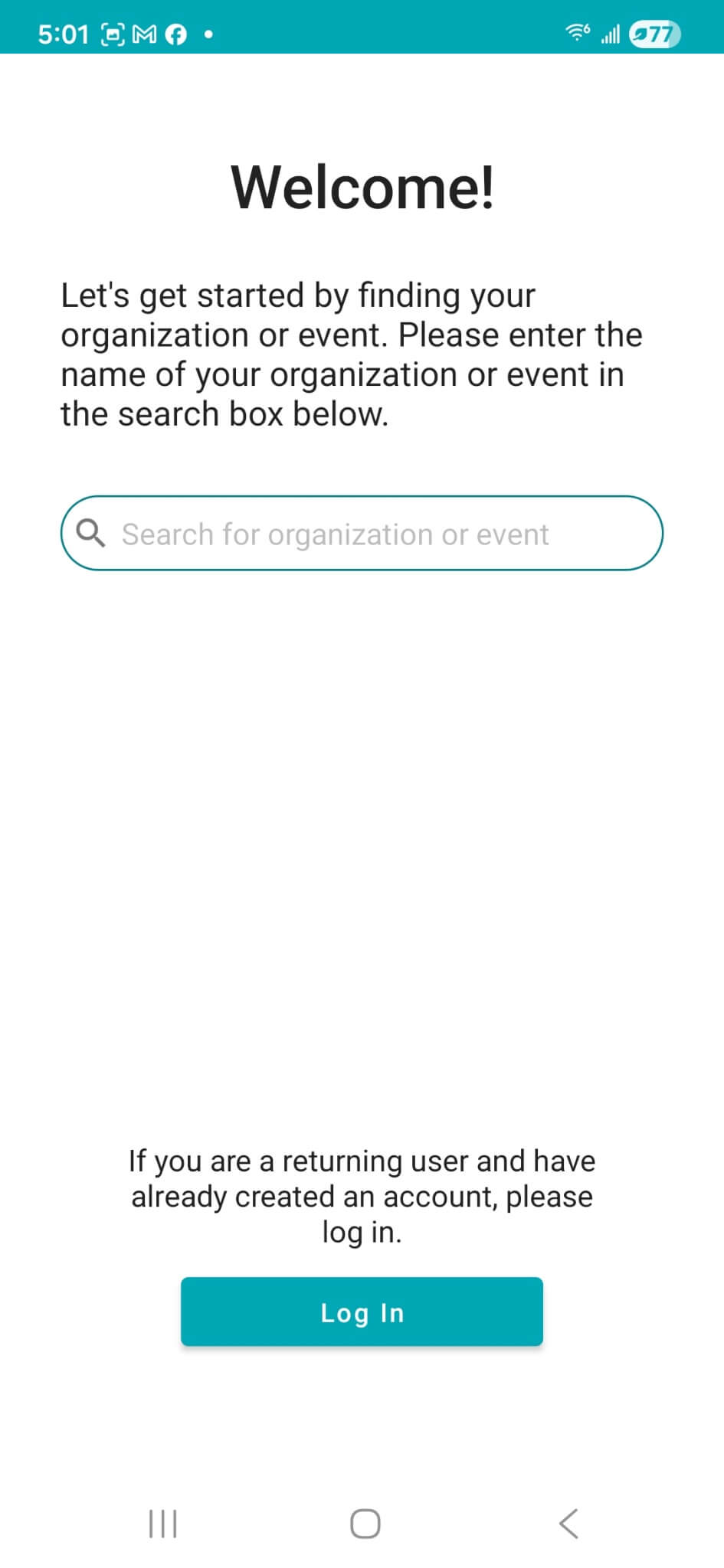
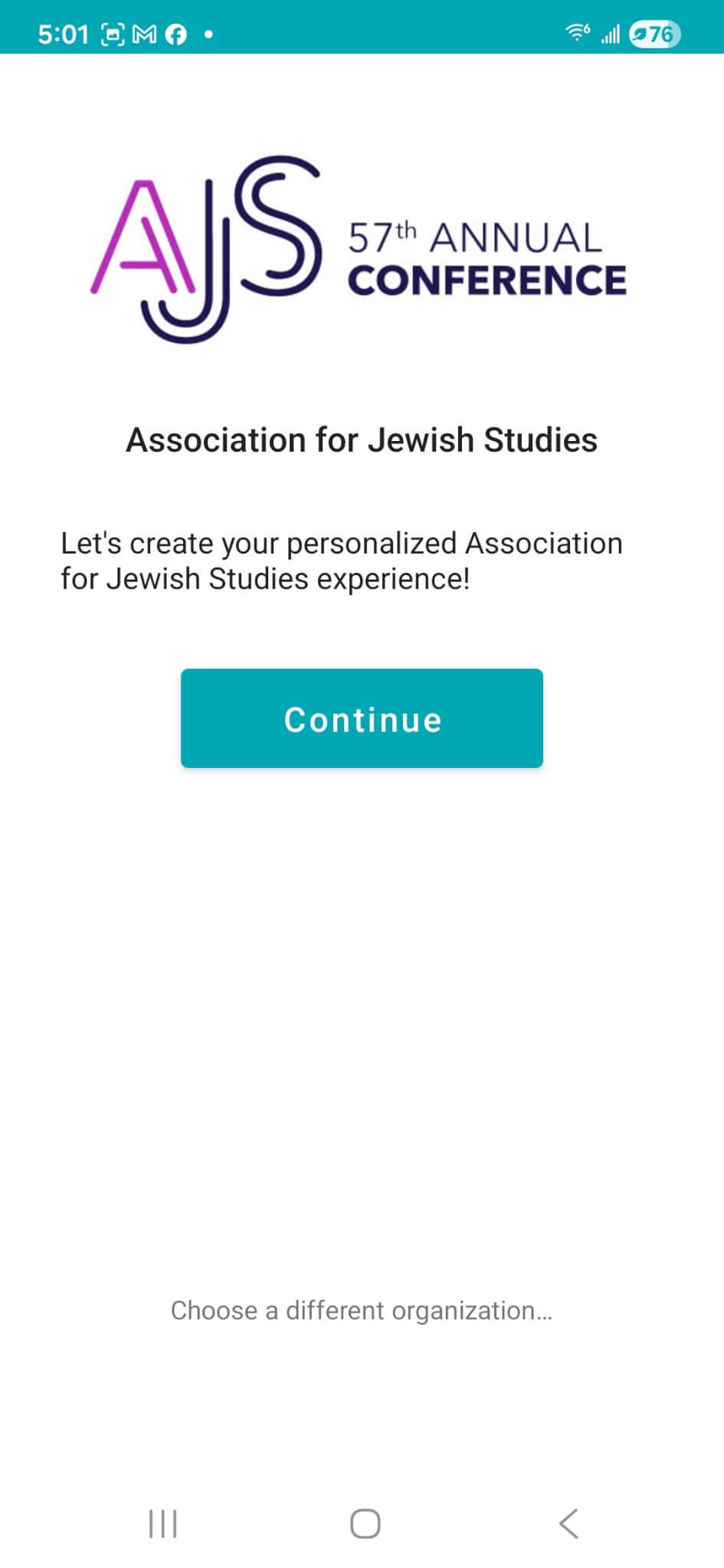
Click “continue” to move to the next screen
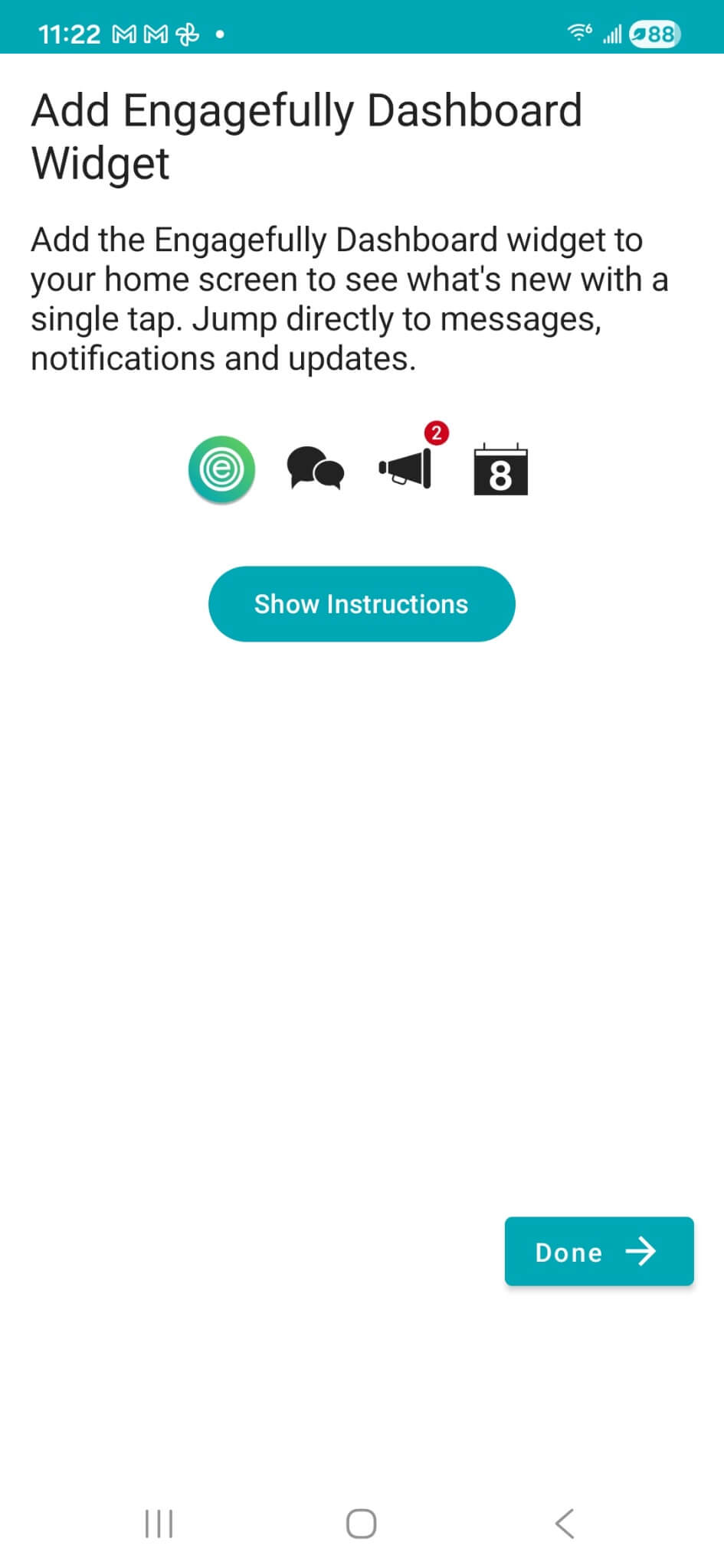
Next click “done” to move to the next screen
Once you are on the app home screen, you’ll be able to access the app by clicking on the AJS logo.
You will be able to access the app at this point, but you will not be logged in and will not be able to save your schedule, connect, or exchange messages or virtual contact information.
You will be able to view the sessions, speakers, maps, exhibitors, sponsors, and abstracts without being logged in.
We recommend that you log in by following directions below.
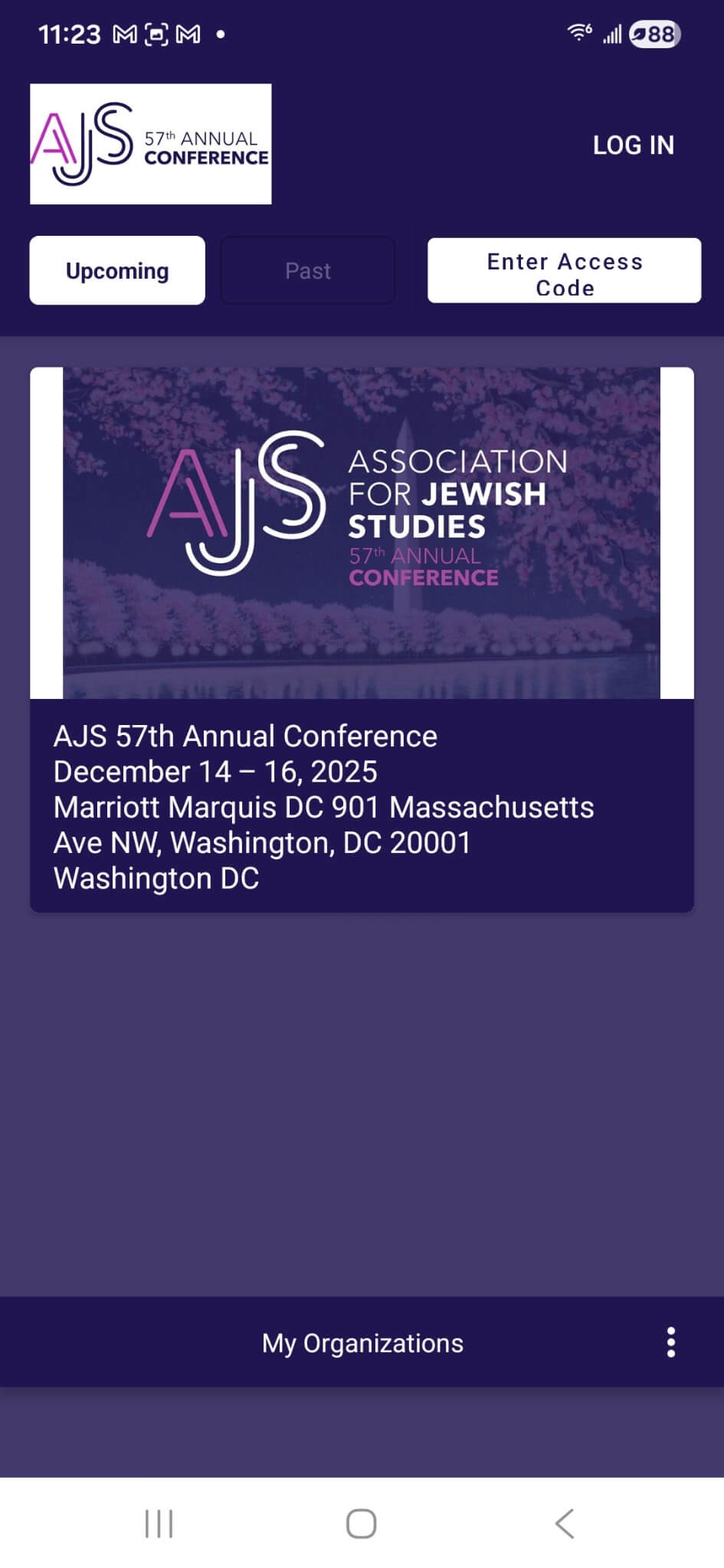
Click “LOG IN” on the upper right
Click “Email Me a Link”
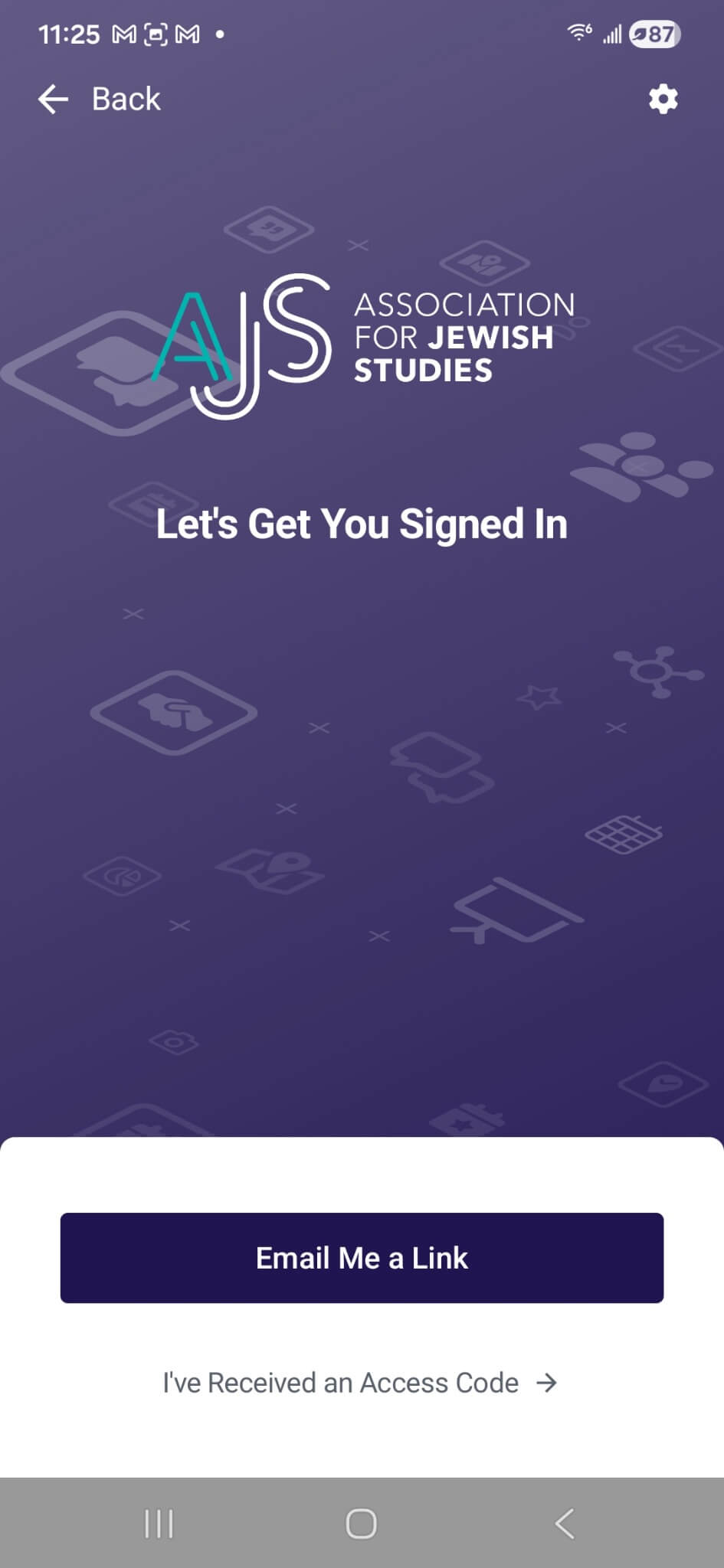
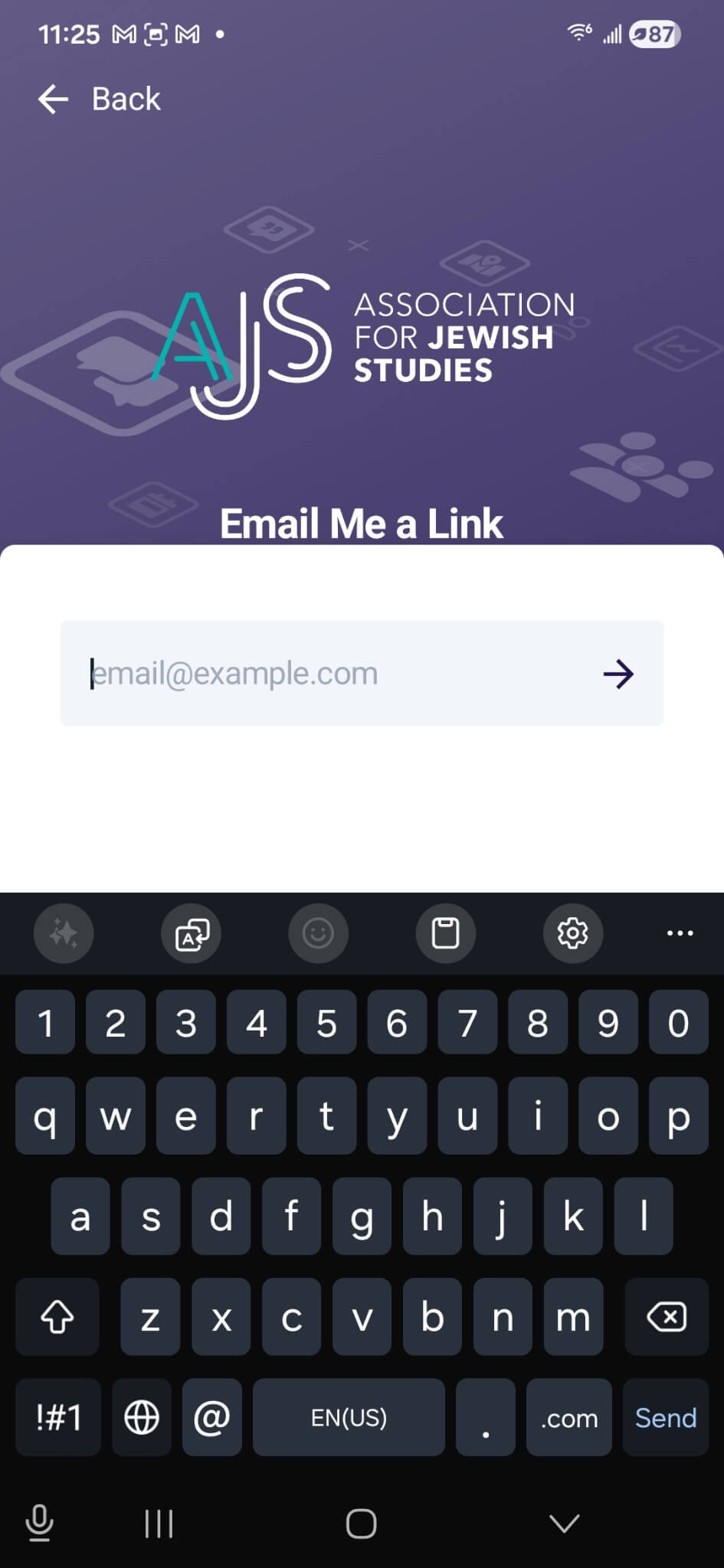
Enter the email address you used to register for the conference
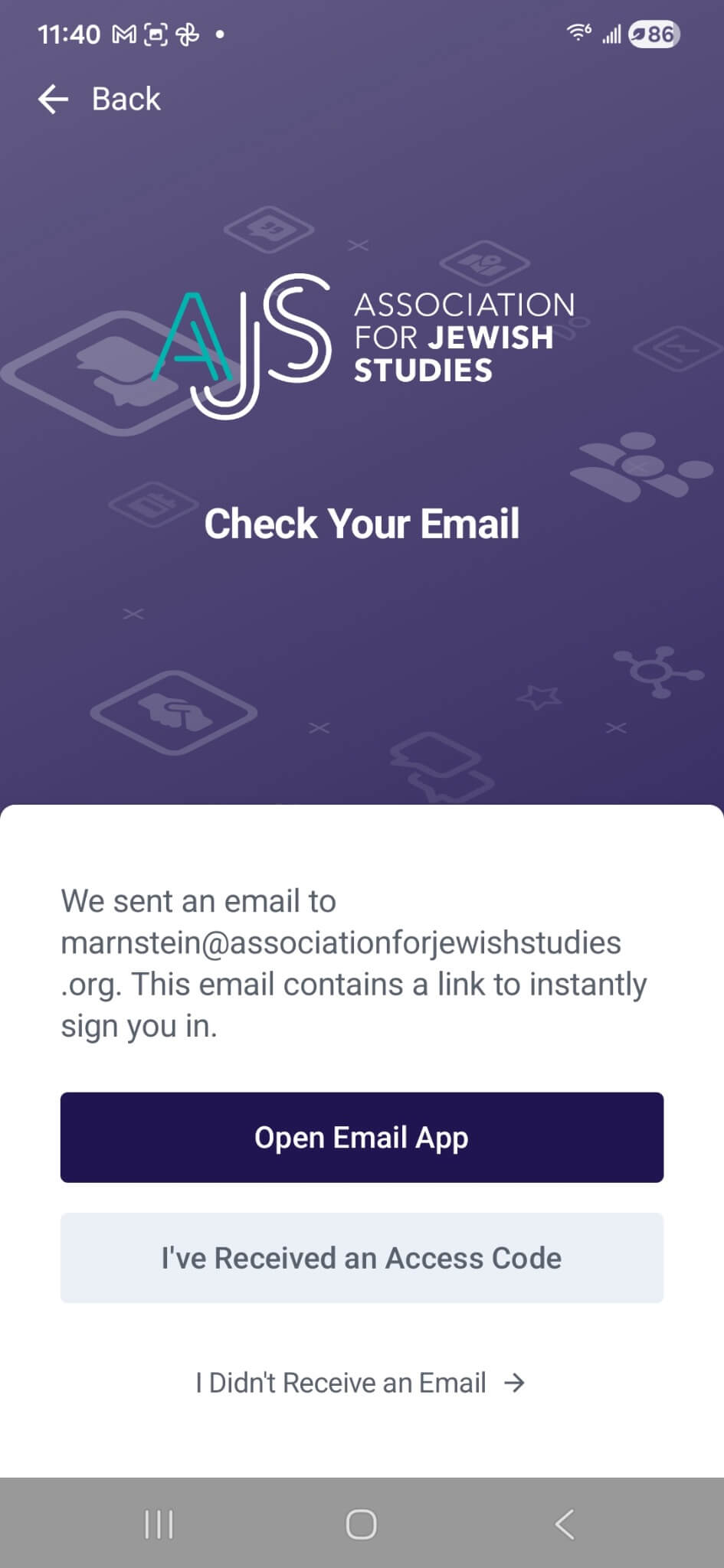
Open your email app on your phone
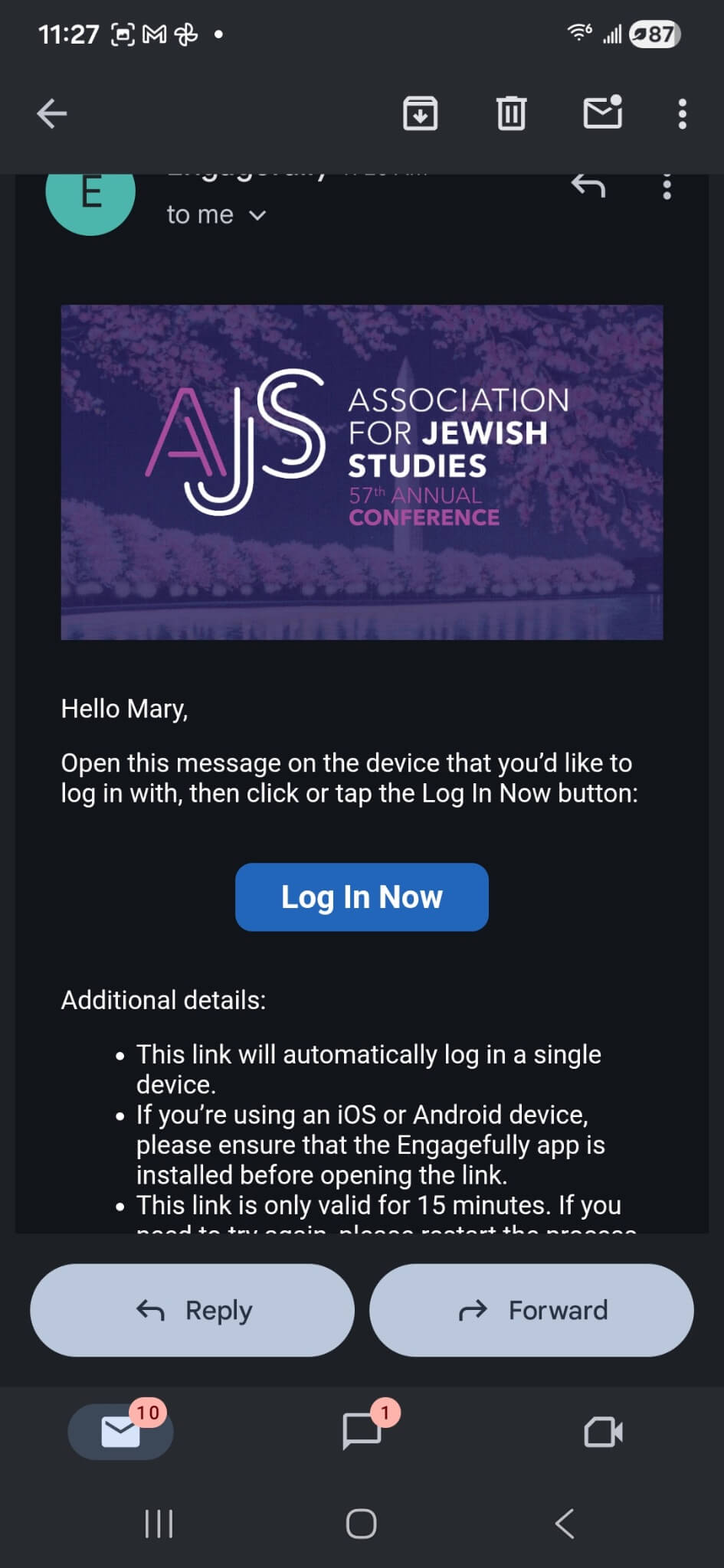
and click the “log in now” button in the email you receive.
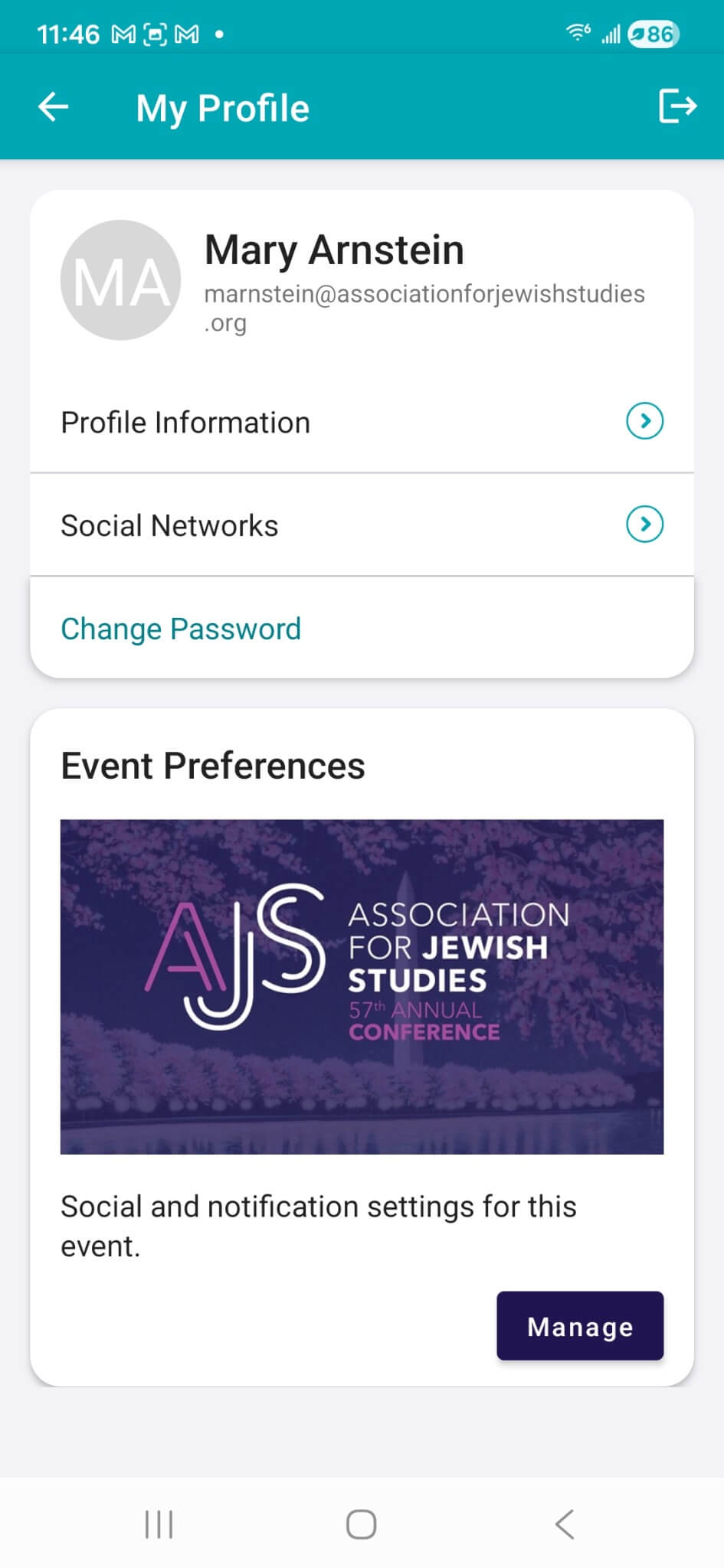
You’re logged in! You can now navigate the dashboard, direct message those who have downloaded the app, check out the directory of registrants, and set up your profile.